

Face swap looks like magic: two photos go in, one photo comes out, and the person in the target photo is suddenly wearing someone else’s face. It is not magic. It is a model doing three jobs in order — finding the face, learning what makes it that face, and painting it onto a new head at the right angle, in the right light, with the right skin tone. When any of those three jobs goes wrong, you get the tells.
This guide explains how face swap actually works, in plain language: the three jobs, why some swaps look real and others do not, the five tells that give a bad swap away, and the consent rule that decides whether a swap should happen at all.
Quick verdict
A good swap needs a sharp, front-facing source face and a target photo where the head is at a similar angle and the light is similar. When those match, the result is hard to spot; when they do not, no setting saves it. And the consent rule is absolute: your own face, or a fictional adult’s — never a real person without permission.
In this guide
- 1. What face swap actually does
- 2. Job one: finding the face
- 3. Job two: learning what makes a face
- 4. Job three: painting it onto the target
- 5. Why some swaps look real and others do not
- 6. The five tells of a bad swap
- 7. How to pick a source face and a target photo
- 8. What it costs, and when to re-swap
- 9. Face swap vs generation: which one to use
- 10. Consent: the rule that decides everything
- FAQ
1. What face swap actually does
A face swap takes the identity from one photo — the source face — and puts it onto the body, pose, and setting of another photo — the target. The result is a new photo: the target’s body and scene, the source’s face. The model does not cut and paste pixels. It rebuilds the face on the target head, matching angle, expression, lighting, and skin tone.
That is why a swap is not a filter. A filter changes the whole image the same way. A swap understands two different things — a face and a scene — and combines them. It has to know where the face ends and the hair begins, which way the head is turned, where the light is coming from, and what colour the skin should be in that light. When it gets all of that right, the result looks like a photograph of a person who was really there.
The name “deepfake” comes from this same technology, and the word carries a warning with it. The same tool that swaps your face onto a character you invented can swap a real person’s face onto a body they never posed for. That is why the consent rule in section 10 is not a footnote.
2. Job one: finding the face
Before anything can be swapped, the model has to find the faces in both photos. It looks for the landmarks every face shares: the eyes, the nose, the mouth, the jawline, the ears. From those points it builds a map — where each feature sits, how far apart they are, which way the head is turned.
This is why a clear, front-facing photo swaps well and a turned-away face swaps badly. If the model can only see one eye and half a jaw, its map is incomplete, and it has to guess the rest. A face in profile, in shadow, behind hair, or half out of frame gives the model a bad map — and a bad map gives a bad swap.
The map also decides what counts as “the face”. Hair, hats, glasses, and hands are not part of it, which is why a swap keeps the target’s hairstyle and the source’s face. If the target wears glasses, they usually stay. If the source wears glasses, they usually do not transfer — the model swaps the face, not the accessories.
3. Job two: learning what makes a face
Finding a face is not the same as knowing it. The model also has to learn what makes the source face that face: the shape of the eyes, the curve of the lips, the width of the jaw, the proportions between features. It does this by comparing the source face against the many faces it was trained on.
This is why one good source photo matters more than ten mediocre ones. A single sharp, front-facing, well-lit photo gives the model a clean set of features to learn from. Ten blurry photos give it ten noisy sets, and the model averages them into a face that looks like nobody in particular. If your swaps keep coming out generic, the source photo is usually the reason.
It is also why the same source face looks different on different targets. The model does not copy the face like a stamp. It rebuilds it to fit the target head — the angle, the expression, the lighting. A source face smiling in bright light, rebuilt onto a target head turned away in lamplight, will look like a different person than the same source on a matching target.
4. Job three: painting it onto the target
The last job is the painting: putting the rebuilt face onto the target head, at the target’s angle, with the target’s expression, in the target’s light, with the target’s skin tone. This is the hardest job, and it is where most swaps fail. The model has to bend the source face to the target’s head shape, blend the skin tone at the edges, and match the shadows.
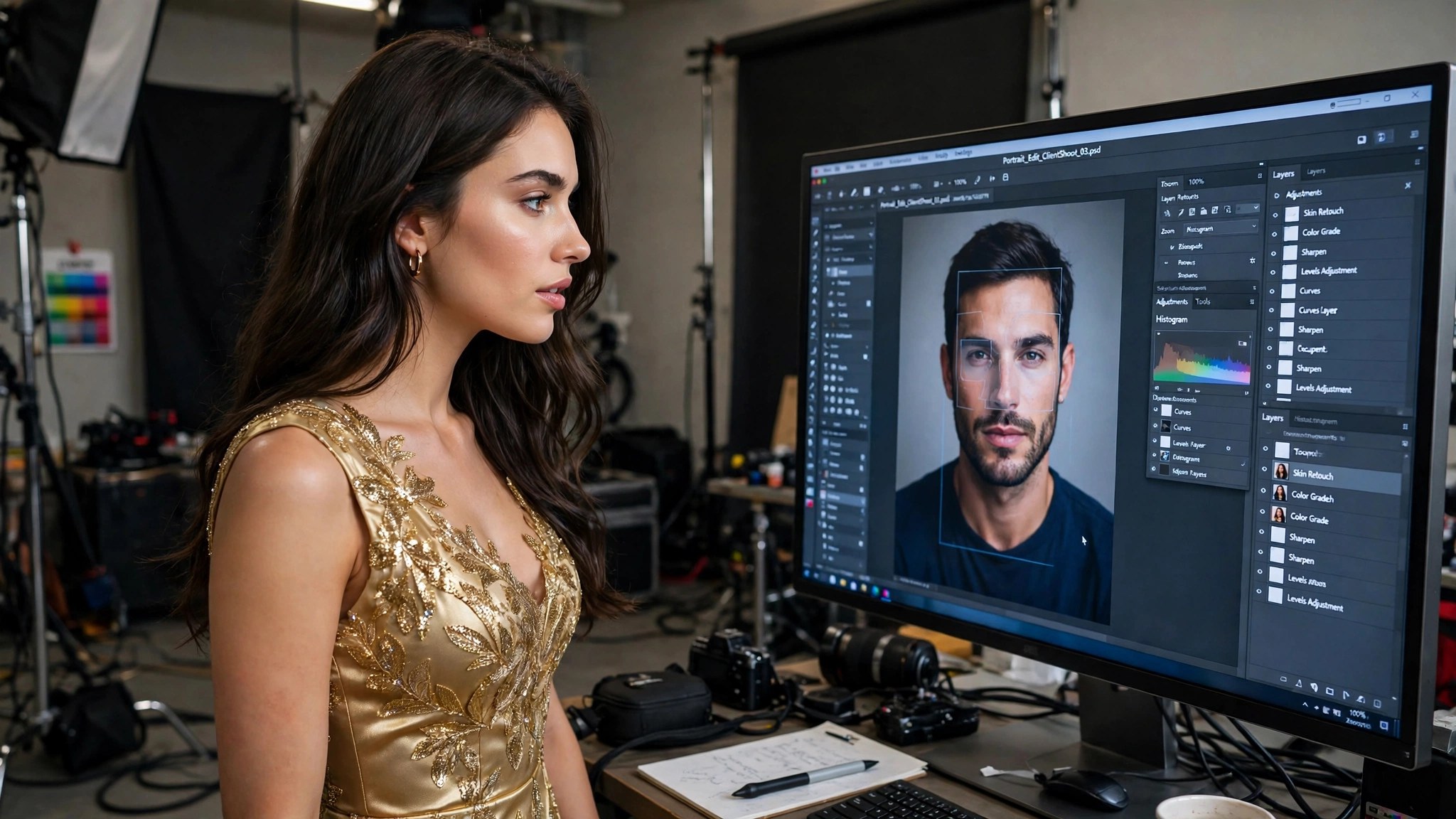
Angle is the first test. If the source face looks straight at the camera and the target head is turned three-quarters away, the model has to rotate the face — and a rotated face is a rebuilt face, with all the guesswork that implies. Swaps work best when the two heads are at a similar angle. A difference of a few degrees is fine. A difference of forty-five is not.
Light is the second test. A source face lit from the front, painted onto a target lit from the side, will have shadows in the wrong places — the nose shadow falls left while the room’s light falls right, and the eye notices even if it cannot say why. Skin tone is the third: the model blends the source skin toward the target’s tone, but a big gap leaves a visible edge around the jaw and forehead. Match the angle, match the light, and the painting disappears. Miss one, and the seam shows.
5. Why some swaps look real and others do not
Put the three jobs together and the rule is simple: a swap looks real when the source and the target already agree — same angle, same light, similar skin tone, both faces clear and front-facing. A swap looks fake when they disagree.
The most reliable swaps are the boring ones: two studio portraits, both front-facing, both evenly lit. The least reliable are the ambitious ones: a source selfie in daylight onto a target photo taken at night, at an angle, in motion. Every difference between the two photos is a guess the model has to make. One difference is survivable. Three are not.
This is also why face swap feels inconsistent. The same source face can give a perfect result on one target and a terrible one on another — and the difference is the target, not the tool. When a swap fails, change the target photo before you blame the model: find a target at a matching angle, in matching light, and run it again.
6. The five tells of a bad swap
Learn to spot these and you will never be fooled by your own results.
- The floating face. The face sits on the head like a mask, with a visible edge at the jaw or forehead. Cause: skin tone or light mismatch between source and target.
- The dead eyes. The eyes look flat, or they look in a different direction than the head. Cause: the source eyes were rebuilt at the wrong angle, or the expression does not match the target’s pose.
- The wrong skin. The face is a different colour or texture than the neck and hands. Cause: the model could not blend the source tone to the target’s tone — usually a big tone gap or harsh light.
- The melted ear. Ears, hairlines, and glasses warp or smear. Cause: the face map was incomplete — hair covering the ear, glasses in the way, a turned head.
- The stiff expression. The face is smiling while the body is relaxed, or serious while the scene is joyful. Cause: the source expression does not fit the target’s moment. Match the mood, not just the angle.
When you see a tell, it names the fix: floating face or wrong skin means match the light and tone; dead eyes or stiff expression means match the angle and mood; melted ear means pick a cleaner target photo.
7. How to pick a source face and a target photo
Pick the source face first: one sharp, front-facing, well-lit photo, face large in frame, no glasses, no heavy shadow, expression neutral or matching the target. That is your identity. Keep it as your standard source and reuse it.
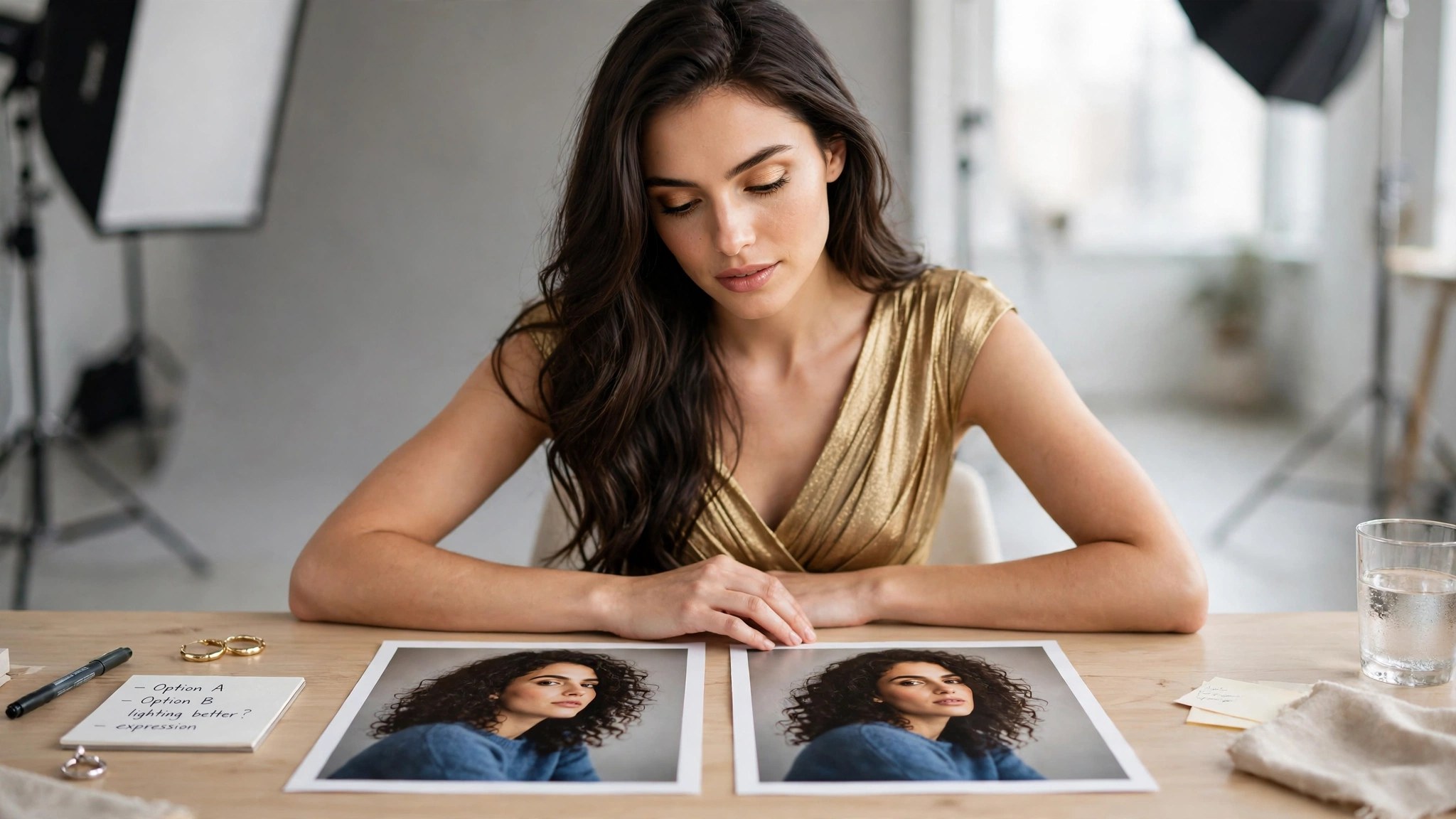
Then pick the target: a photo where the head is at a similar angle to the source, in similar light, with a similar skin tone, and with the face clear — no hair across the eyes, no hand on the chin, no sunglasses. Check the mood too: a smiling source on a serious target looks wrong even when the angle matches.
The five-second test: hold the two photos side by side and ask whether the heads are pointing the same way and the light is falling the same way. If yes, swap. If no, find a different target.
8. What it costs, and when to re-swap
Face swap here costs 26 credits per image — about $0.52 on the $19.99 pack and about $0.31 on the $59.99 pack. The generator shows the exact cost before you run it. Video face swap costs more and is priced before generating, because the model swaps the face in every frame.
When a swap fails, do not reroll the same pair. The same source and target will fail the same way — the mismatch is in the photos, not the roll. Change one thing: a different target at a matching angle, or a different source photo with matching light. One change per retry, so you learn which mismatch was the problem.
Budget honestly: if one in three swaps is a keeper, the real price is 78 credits per keeper. That is the number to plan around. And the cheapest swap is the one you never run on a mismatched pair.
9. Face swap vs generation: which one to use
Face swap and generation solve different problems. Use face swap when you already have the target — a photo, a scene, a body you like — and you want a different face on it. Use generation when you do not have a target, or when you want a different person, pose, or scene. Swap is the cheaper tool for a specific photo: 26 credits against about 49 for a new image, and it keeps the scene you already chose.
Work in order: generate or pick the target first, swap the face, then edit. An editor fix to the swapped still is cheaper than a fix attempted after animating, and an undress on the swapped still is cheaper than undressing first and swapping later. If you want a video, swap the still first, then animate it with the video generator: swapping a face in a still is one job, swapping it in every frame of a video is many.
One warning: swapping onto a photo that is already a swap degrades the identity each time — the model rebuilds from a rebuild, and the face drifts. Swap once, from a clean source, onto a clean target.
10. Consent: the rule that decides everything
Only swap faces you have the right to use: your own face, or a fictional adult’s. Never swap a real person’s face onto another body without their consent — not a celebrity, not an acquaintance, not a stranger. A face swap of a real person without consent is non-consensual imagery, and it is not allowed. A generated image is harder to take back than a photo once shared, and a face is the most identifiable thing a person has.
This is the line that separates this tool from the deepfake abuse the word is known for. The technology is the same; the use is not. Swapping your own face onto a character you invented is creative work. Swapping someone else’s face onto a body they never posed for is harm — and it is never acceptable, no matter how good the result looks.
If you are unsure whether you have the right to use a face, you do not. Use your own, or a fictional one.
FAQ
How does AI face swap work?
In three jobs: the model finds the faces in both photos, learns what makes the source face distinct, then rebuilds that face onto the target head — matching angle, light, and skin tone. It does not cut and paste pixels; it rebuilds the face to fit.
Why does my swap look fake?
Almost always a mismatch between source and target: different head angle, different light, or a big skin-tone gap. Match the angle and light first — that fixes most bad swaps.
How much does one face swap cost?
26 credits per image — about $0.52 on the $19.99 pack and about $0.31 on the $59.99 pack. Video face swap costs more and is priced before generating.
Can I swap a face in a video?
Yes, through video face swap — but swap the still first if you can. One still swap is one job; a video swap is the same job in every frame, so it costs more.
What source photo works best?
One sharp, front-facing, well-lit photo, face large in frame, no glasses, no heavy shadow, neutral expression. One clean source photo beats ten mediocre ones.
Can I swap a celebrity’s face?
No. Only swap your own face, or a fictional adult’s. Swapping a real person’s face onto another body without consent is not allowed.
Final verdict
Face swap is three jobs — find, learn, paint — and the result is only as good as the pairing. A sharp source face and a target at a matching angle, in matching light, gives a result that is hard to spot; a mismatched pair gives you a floating face no setting can fix. Learn the five tells, run the five-second test before you pay, and change the pairing — not the roll — when a swap fails. And keep the consent rule absolute: your face, or a fictional adult’s, and nothing else.